

Update Progress is your personal update page. Instead of opening each team, it lists everything you own so you can record progress in one place. Open it from the You group in the sidebar, from the centre button in the mobile bottom bar, or from the Update Now buttons on your home page.
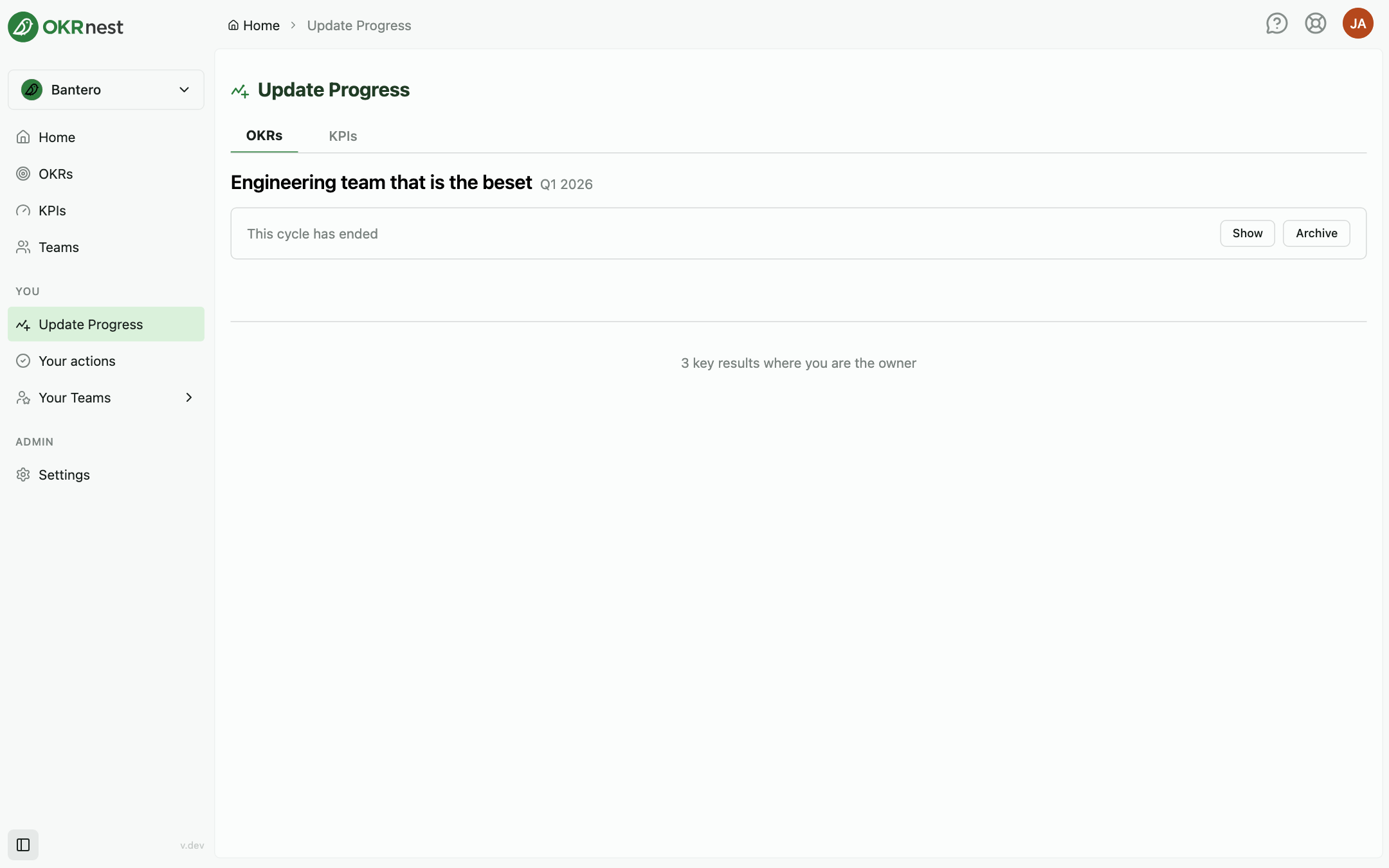
Tabs
- OKRs: Every key result you own in an active cycle, grouped by team and cycle. Each group is headed with the team and cycle name
- KPIs: Every KPI you own
Key results you own
Each key result row shows its title, the objective it belongs to, the owner and last update, and a reminder such as Update in 3 days or Update today based on the team's check-in cadence. The button on the right reads Add update, or Completed for finished key results and Automatic for key results whose value is set by an integration.
Click Add update to open the same update dialog as the team's Update tab, with the value, last day included, traffic light, and reflection fields. See Updating Key Results.
Update all at the top steps through every key result that needs a value, one after another, with Add & next, Skip, and Save & Close.
If you own nothing in an active cycle, the page reads No Key Results Found.
Cycles that have not started or have ended
Groups for a cycle that starts in the future or has already ended are collapsed with a note such as This cycle has ended. Use Show to reveal the key results anyway, and on an ended cycle use Archive to archive it directly from here after confirming in the Archive this cycle? dialog.
KPIs you own
The KPIs tab lists your KPIs with their latest value and trend. Click Add progress update on a KPI to record a new value and reflection. See KPIs.
Tips
- Make it a habit: Open Update Progress at your team's cadence and work through Update all in a few minutes
- Watch the reminders: Overdue key results move to the top of your home page's Today section as well
- Turn on reminder emails: Under Profile > Notifications, Key result update reminders emails you when it is time to update